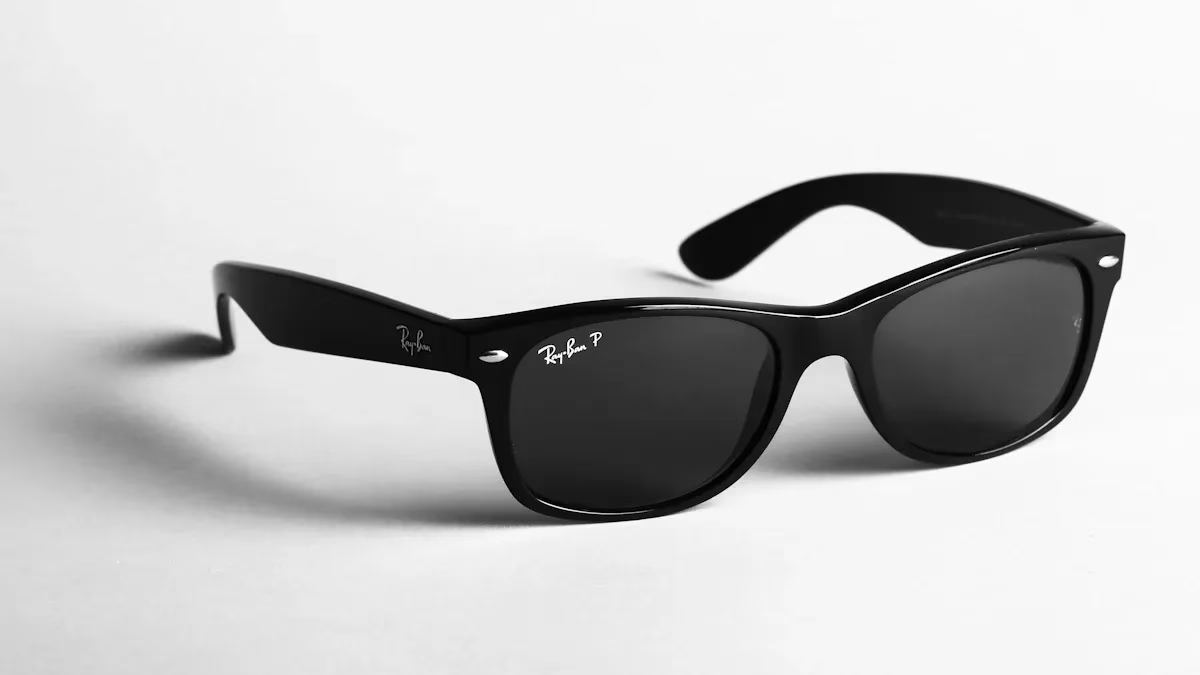
When you pick smart glasses, do not make easy mistakes. Do not choose a pair only because they look cool. Do not forget about privacy problems. You should think about seven things. These are camera quality, battery life, comfort, Bluetooth connection, durability, privacy, and style. If you’re considering bluetooth camera glasses, ensure they meet your needs in these areas. Picking smart glasses means finding what works best for you.
Key Takeaways
-
Think about camera quality. Look at resolution and frame rate. This helps you get clear photos and smooth videos. – Check how long the battery lasts. Also, see how you can charge it. This stops the camera from dying while you use it. Try to get at least 4 to 6 hours of use. – Make sure the glasses feel comfortable. Pick ones that are light and have nose pads you can adjust. A good fit helps stop headaches.
Camera Quality in Bluetooth Camera Glasses
Resolution and Sensor
When you look at a smart glasses camera, you want clear photos and videos. The resolution tells you how sharp your pictures will be. Most smart glasses camera models offer HD or Full HD resolution. Some even go higher, but you should check if the sensor can handle it. A good sensor helps you capture more detail and color. If you plan to use your smart glasses camera for travel or sports, pick one with a strong sensor. This way, your memories will look bright and sharp.
Frame Rate
Frame rate matters if you want smooth video. Most smart glasses camera options record at 30 frames per second. Some can go up to 60 frames per second. A higher frame rate means your videos will look less choppy, especially if you move a lot. If you want to record action or fast scenes, choose a smart glasses camera with a higher frame rate. You will notice the difference when you watch your videos later.
Low-Light Performance
Low-light scenes can be tricky for any smart glasses camera. Here’s what you might notice:
-
In bright light, your smart glasses camera works well, just like a regular camera.
-
In dim light, you may see grainy or blurry footage.
-
Many smart glasses camera models do not have night modes, so you lose detail and see more noise.
-
Videos can look shaky because these glasses often lack good stabilization.
If you plan to use your smart glasses camera at night or indoors, keep these points in mind. Traditional cameras still do better in low light, but you can get good results from your smart glasses camera in the daytime. Always check sample videos before you buy to see if the image quality meets your needs.
Battery Life and Charging
Usage Time
When you shop for Bluetooth camera glasses, battery life should be one of your first questions. You do not want your glasses to die in the middle of a fun day. Most Bluetooth camera glasses give you enough battery life for short trips or daily tasks. Here is what you can expect:
-
Most models offer battery life between 4 to 6 hours if you use them without stopping.
-
If you only use the camera or Bluetooth features sometimes, battery life can last longer.
-
Some glasses let you check battery life with a quick tap or through an app.
Think about how long you need your glasses to work. If you plan to record all day, you may need to recharge or bring a backup.
Charging Options
Charging your Bluetooth camera glasses should be easy. You will find two main ways to charge:
|
Feature |
Wired Charging |
Wireless Charging |
|---|---|---|
|
Typically faster, especially with USB-C fast chargers |
Generally slower due to energy loss during wireless transfer |
|
|
Convenience |
Requires plugging in — less flexible |
Just place on the pad, no cables fuss |
|
Battery Health |
Less heat generation, better for long-term battery health |
Can cause more heat, potentially reducing battery lifespan over time |
|
Durability Impact |
Wearing out ports can occur from frequent plug cycles |
No wear on ports but depends on charger quality |
Wired charging usually gives you a full battery life faster. Wireless charging feels simple—just set your glasses down and walk away. Pick the option that fits your routine.
Battery Strategy
You will see two battery strategies in Bluetooth camera glasses. Some have the battery built into the frame. Others use a pocket pack that connects with a wire. On-frame batteries keep things simple and light. You do not have to carry anything extra. Pocket packs give you longer battery life, but you must deal with a wire and extra weight. Ask yourself if you want more battery life or more comfort. Your choice depends on how you plan to use your glasses.
Comfort and Fit for Smart Glasses
Weight Range
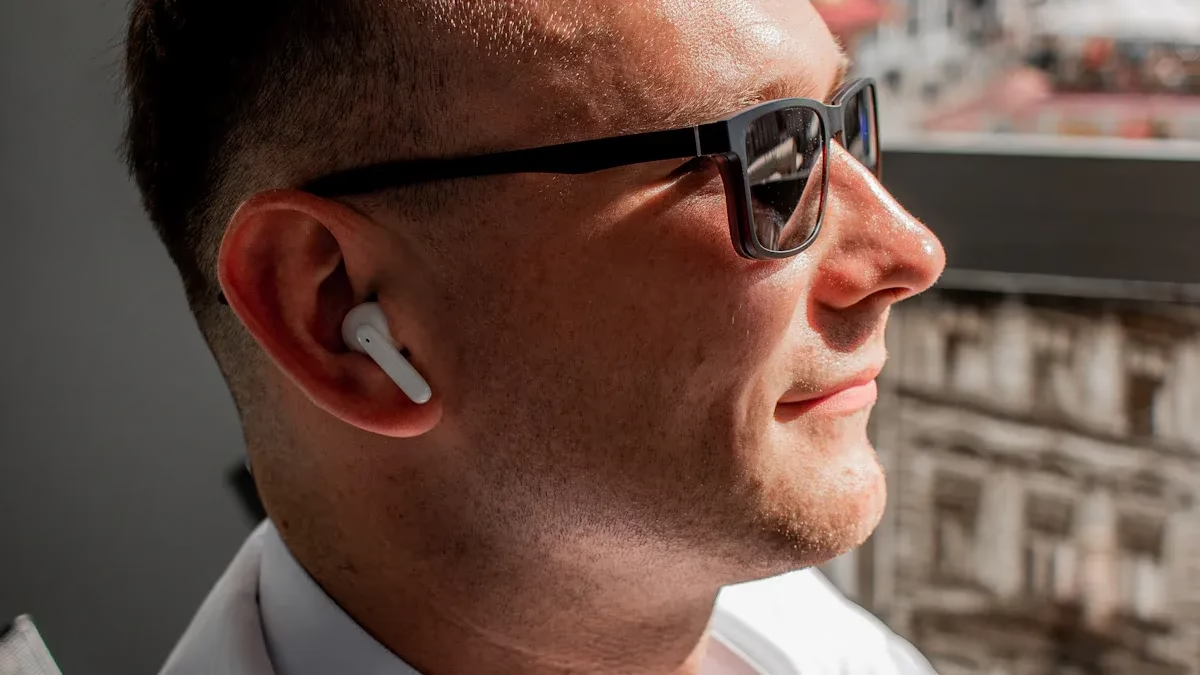
You want smart glasses that feel light on your face. Heavy glasses can cause headaches or leave marks on your nose. The best Bluetooth camera glasses usually weigh between 35 and 50 grams. This weight feels comfortable for most people, even if you wear them all day. If you plan to use your glasses for long periods, always check the weight before you buy. Lighter glasses make it easier to forget you are even wearing them.
Adjustable Nose Pads
Nose pads play a big role in how your smart glasses feel. Not every face is the same shape, so adjustable nose pads help you get a better fit. When you can move the nose pads, you can make the glasses sit just right. Here’s how adjustable nose pads help:
-
They fit the shape of your nose, so the glasses do not slide down.
-
They spread out the weight, which means less pressure on one spot.
-
They keep your glasses steady, even if you move around a lot.
If you want the best design and comfort, look for glasses with adjustable nose pads.
Temple Pressure
Temple pressure means how tight the arms of the glasses feel on the sides of your head. If the arms squeeze too much, you might get headaches or sore spots. If they are too loose, your glasses could slip off. Some smart glasses let you adjust the arms for a better fit. Try on different pairs to see what feels best. You want glasses that stay in place but do not pinch.
Tip: Always try on smart glasses before you buy them if you can. Comfort matters as much as style.
Bluetooth Connectivity in Smart Glasses Camera
Device Compatibility
You need your smart glasses to work with your phone or tablet. Check if the glasses support your device’s system before buying. Some glasses only work with Android or iOS, but some work with both. Make sure the Bluetooth version matches your phone. Newer Bluetooth versions are faster and use less power. If you use more than one device, choose glasses that connect to many devices. This makes switching between devices easy.
Connection Stability
A good Bluetooth connection helps your camera glasses work well. You do not want your video to freeze or music to stop. Many things can make the connection weak:
-
Keep your glasses and phone close together. If they are far apart, the signal gets weak.
-
Other wireless signals, like Wi-Fi or Bluetooth from other devices, can cause trouble.
-
Crowded places or tall buildings can block signals.
-
Make sure your glasses and phone have the newest updates.
-
A low battery can make the connection drop, especially when streaming.
If you have problems, try moving to a quieter place or charge your glasses.
Bluetooth Range
Bluetooth range shows how far you can go from your phone before losing connection. Most smart glasses work best within 30 feet, or about 10 meters. Walls and furniture can make the range shorter. If you want to walk around your house or office, test the range first. Stay near your device for the best results. Some glasses say they have a longer range, but real use can be different.
Tip: Always check the Bluetooth version and range in the product details. This helps you avoid problems later.
Durability and Water Resistance
Frame Materials (TR90, Polycarbonate)
When you pick Bluetooth camera glasses, you want them to last. The frame material makes a big difference. TR90 and polycarbonate are two top choices. TR90 feels light but stays strong. You can bend it, and it snaps back into shape. If you drop your glasses, TR90 helps protect them from breaking. Polycarbonate also works well. It resists scratches and does not crack easily. You can wear these glasses every day without worrying about small bumps or drops. If you plan to use your glasses outdoors or during sports, look for these materials. They give you peace of mind and keep your glasses looking new.
IPX Rating
Water can ruin electronics fast. You do not want to worry about rain or sweat when you wear your camera glasses. That is where the IPX rating comes in. This rating tells you how well your glasses handle water and dust. Some Bluetooth camera glasses come with an IP67 rating. Here is what that means:
|
IP Rating |
Meaning |
|---|---|
|
IP67 |
Dust tight and can withstand immersion in water up to 1 meter for 30 minutes. |
If you see IP67, you know your glasses can handle a sudden rain shower or a splash. You can even drop them in water for a short time, and they will still work. Always check the IPX rating before you buy. It helps you choose glasses that fit your lifestyle.
Privacy and Legal Considerations
Data Protection
Bluetooth camera glasses can capture many private moments. Keeping your data safe is very important. Many smart glasses have features to protect your video recording. For example:
The smart glasses have an LED light. This light turns on when the camera is taking a photo or video. If you cover the LED, the camera will not work. You must uncover it to use the camera.
Always check your device’s privacy settings. Learn how your video recording files are saved and who can see them. Some glasses let you use passwords or special apps to keep your storage capacity safe. Companies should be honest about how they use your data. You should also respect other people’s privacy and use your device the right way.
-
Always ask before you record someone.
-
Use the LED light when you record.
-
Pay attention to where you are.
-
Set up privacy settings and know the device’s data rules.
Recording Indicators
People should know when you are recording video. Most Bluetooth camera glasses have a small LED light for this. The light shows others you are recording. Some people think the light is too small.
-
The LED light can be hard to see. This makes people worry about being recorded without knowing.
-
Privacy is important and must be protected.
-
People want bigger and brighter recording lights. This helps everyone know when you are recording.
Some European officials say the small lights are not enough. Smart glasses can record video without being noticed. You should make sure others can see when you are recording. This helps people trust you and stops confusion.
Local Laws
You need to know the rules before you use Bluetooth camera glasses. Laws about recording are different in each place. In some states, you can record video in public. Audio recording has more rules. Some places need everyone to agree before you record. Businesses can say no to video recording on their property.
-
You can usually record video in public. Audio recording has more rules and needs consent in some states.
-
Businesses can stop you from filming. If you break their rules, you can get banned or face legal trouble.
-
Some states need everyone to agree before you record a conversation.
-
If you want to use your video for business, you may need more permission.
If you want to share your video online or use it for work, you may need extra permission. Always check the laws before you record. This keeps you and your storage capacity out of trouble.
Style, Price, and Best Camera Glasses Value
Frame Styles and Colors
You want the best camera glasses to match your look. You can find many frame styles, from sporty to classic. Some frames look like regular sunglasses, while others have a bold, techy vibe. You can pick from black, brown, blue, or even clear frames. Some brands offer mirrored or tinted lenses. If you care about style, try on a few pairs. You want the best camera glasses to fit your face and show your personality.
Tip: Choose a color that matches your favorite outfits. You will feel more confident wearing your best camera glasses every day.
Price Range
Bluetooth camera glasses come in many price ranges. You can find basic models for under $100. These usually have simple designs and fewer key features. If you want high-definition video quality or smart extras like AI, you will pay more. High-end models cost over $150. The price often matches the features you get. Cheaper glasses may not have the best camera glasses video quality or long battery life. If you want the best camera glasses for your needs, think about what matters most to you.
|
Price Range |
What You Get |
|---|---|
|
Under $100 |
Basic design, fewer features |
|
$100-$150 |
Better video quality, more key features |
|
Over $150 |
Top video quality, AI, extra comfort |
Warranty and Features
Always check the warranty before you buy the best camera glasses. A good warranty protects you if something breaks. Some brands offer one year, while others give you more. Look for key features like touch controls, voice commands, or easy app pairing. The best camera glasses often include these extras. You want glasses that last and make your life easier. If you find a pair with a strong warranty and the right features, you get the best camera glasses value.
When you shop for Bluetooth camera glasses, keep these seven things in mind:
-
Audio quality
-
Battery life
-
Connectivity
-
Durability
-
Water and dust resistance
-
Comfort
-
Weight
Think about what matters most to you. Your lifestyle—like travel, sports, or daily tech use—shapes your choice. Compare features, check comfort, and pick the pair that fits your needs best.
FAQ
Can you use smart glasses with prescription lenses?
Yes, many smart glasses let you add prescription lenses. Check with the brand before you buy. Some stores can help you fit your lenses.
How do you clean bluetooth camera glasses safely?
Use a soft cloth for the lenses and frame. Avoid harsh cleaners. Keep your bluetooth camera glasses dry and store them in a case when not in use.
Do smart glasses work with all phones?
Most smart glasses connect to both Android and iOS phones. Always check the product details. Some bluetooth camera glasses may need a special app for full features.
Tip: If you have trouble pairing your smart glasses, restart your phone and try again. This often fixes connection issues with bluetooth camera glasses.
-
Smart glasses can record video and audio.
-
Some bluetooth camera glasses offer voice commands.
-
You can use smart glasses for calls, music, and even navigation.
|
Feature |
Smart Glasses |
|---|---|
|
Yes |
|
|
Prescription Lenses |
Often supported |
|
Phone Compatibility |
Android & iOS |